Choosing a phone monitoring app for your family is not simply a matter of finding the longest feature list. The right option should match your child’s device, age, online habits, and the level of support your family actually needs. Some parents mainly want screen-time limits and safer browsing. Others need location alerts, app-usage reports, or more detailed activity records after a serious online-safety concern.
This guide compares 10 well-known phone monitoring and parental-control apps for Android, iPhone, Windows, and Mac. Instead of treating every product as identical, it explains what each app is best suited for, where its platform limitations matter, and what parents should verify before subscribing.
Editorial disclosure: TheOneSpy publishes this guide and is one of the products included. The comparison uses publicly documented features and device support checked in July 2026. Features, compatibility, and prices can change, so verify the current product page before purchase.
How we compared these phone monitoring apps
Google recommends that product comparisons evaluate options from the user’s perspective, explain important differences, discuss benefits and limitations, and give readers enough information to make a decision. Following Google’s review guidance, this comparison focuses on six factors that matter to families:
Family fit: whether the product is designed around healthy device use, safety conversations, or detailed activity records.
Device support: Android, iPhone/iPad, Windows, Mac, Chromebook, or Kindle availability.
Activity visibility: the types of device, browser, app, and communication records available on supported systems.
Setup clarity: whether parents can understand the permissions, device access, and platform limitations before paying.
Ongoing value: dashboard usability, multi-device coverage, support, reports, and plan transparency.
No third-party app can provide identical features on Android and iPhone. Apple and Google apply different privacy, permission, and background-processing rules. Always check the exact device model and operating-system version rather than relying on a general compatibility badge.
Quick comparison: best phone monitoring apps for parents
App
Best fit
Listed systems
Main consideration
TheOneSpy
Broad family visibility across phones and computers
Android, iPhone/iPad, Windows, Mac
Feature availability varies by device, operating-system version, and plan.
OgyMogy
Families that want mobile and computer activity records
Android, Windows, Mac
The interface and available records differ across mobile and desktop products.
FlexiSPY
Advanced activity reporting on supported mobile devices
Android and iPhone options
Advanced plans can be complex and may require more setup than standard family controls.
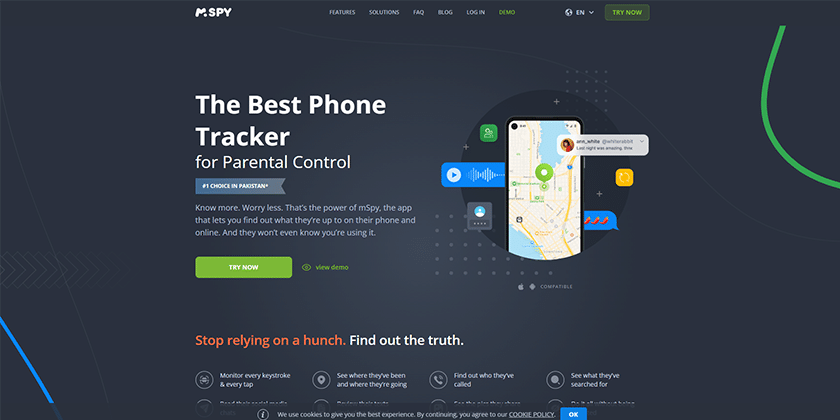
mSpy
Mobile-focused reports in a straightforward web account
Android and iPhone options
iPhone and Android capabilities are not identical.
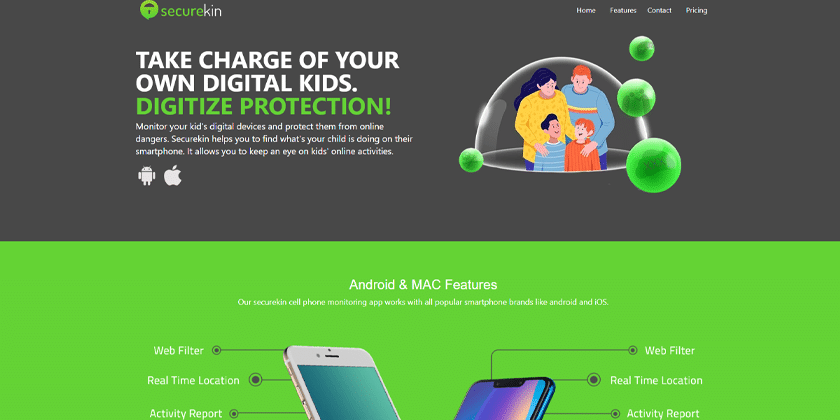
SecureKin
Basic family controls with activity and location reports
Android and iOS
Some advanced records are platform-dependent or available only on paid plans.
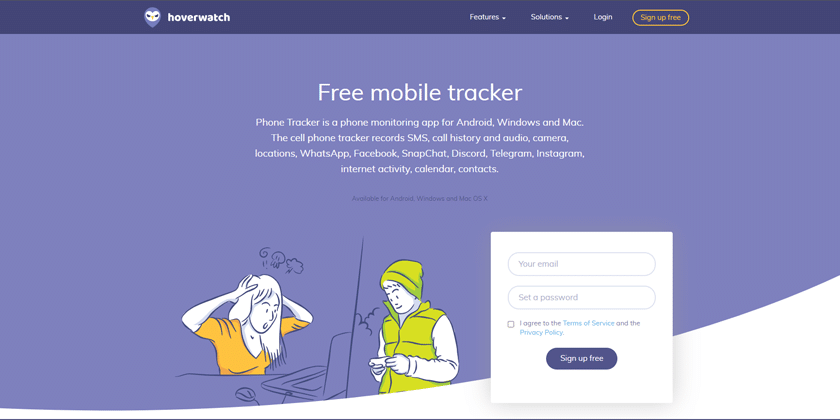
Hoverwatch
Android and computer activity records
Android, Windows, Mac
It emphasizes activity visibility more than content filtering or time-limit tools.
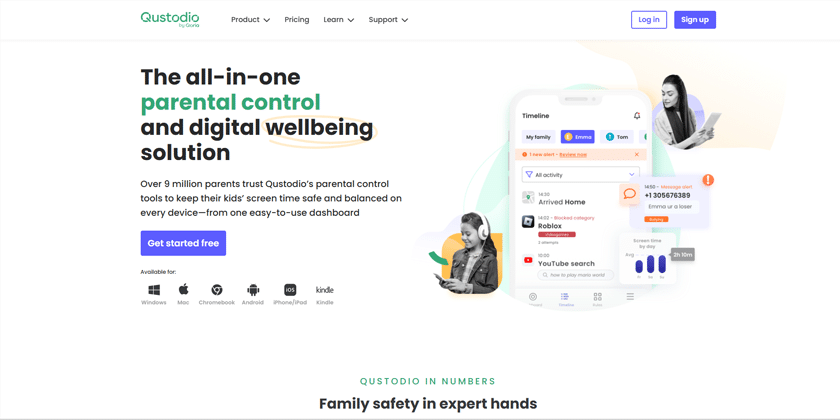
Qustodio
Cross-platform screen time and content controls
Android, iOS, Windows, Mac, Chromebook, Kindle
Some iPhone communication features require a computer-assisted setup.
FamiSafe
Screen-time, location, and driving-safety tools
Android, iOS, and selected computers
Families should compare platform-specific restrictions and premium tiers.
Mobicip
Web filtering, app controls, and family schedules
Android, iOS, Windows, Mac, Chromebook, Kindle
Families needing detailed call or message records may require another type of service.
KidLogger
Budget-conscious desktop and Android activity logs
Android, Windows, Mac
The interface and reporting model may feel technical to some parents.
Comparison reflects publicly listed capabilities checked in July 2026. It is not a laboratory performance score.
What should parents look for in a phone monitoring app?
Start by identifying the problem you want to solve. A child staying awake on games needs screen-time routines. A younger child clicking unsuitable links may need web filtering and app approval. A teenager traveling alone may benefit from location and safe-zone alerts. A family recovering from cyberbullying or unwanted contact may temporarily need more detailed activity reports, together with honest conversation and clear boundaries.
Choose transparency: Tell your child which family-safety tools are active, what information you can see, and why. Clear expectations support trust and reduce conflict.
Check platform support: Read the Android, iPhone, Windows, or Mac compatibility page for the exact feature—not only the product homepage.
Begin with the minimum necessary: Use the least intrusive set of controls that addresses the real concern. Review the arrangement as your child demonstrates maturity.
Review data handling: Read the privacy policy, retention terms, account-security options, and deletion process before uploading family-device information.
Confirm billing details: Check the number of covered devices, renewal frequency, cancellation process, refund conditions, and whether important tools require a higher tier.
1. TheOneSpy — best for broad family visibility across phones and computers
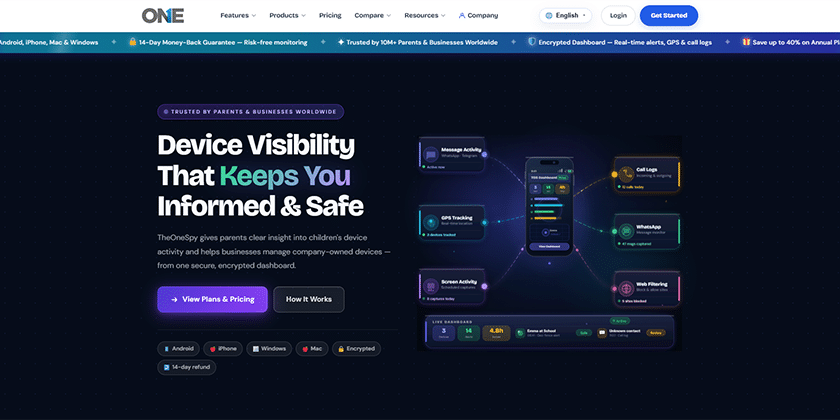
TheOneSpy is designed for parents who want more than screen-time limits. Its published family-safety tools bring location, app activity, browser records, supported communication activity, content controls, and device reports into one dashboard. That breadth makes it a practical option for households managing both mobile devices and computers.
Key TheOneSpy features
Location history and safe-zone alerts for supported mobile devices.
Screen-time, app-usage, browser, and content-management tools.
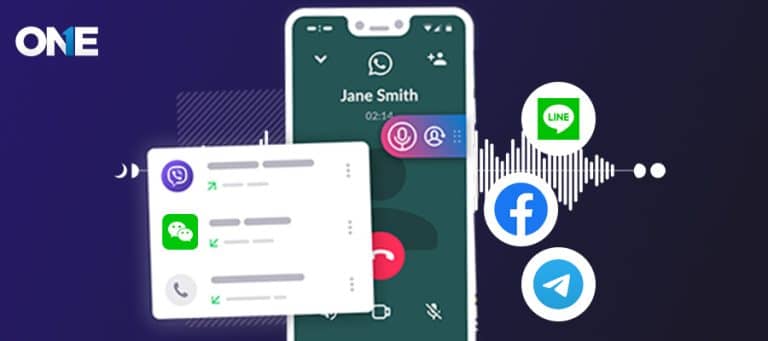
Supported social-app and communication activity in a unified dashboard.
Options for Android, iPhone/iPad, Windows, and Mac families.
Remote settings and reports after an approved setup on the family device.
Why it stands out
Its strongest advantage is coverage. A parent can review several types of family-safety information without moving between separate services for location, screen activity, web access, and device reports. The dashboard is most useful when a family needs context for a conversation, not merely a daily time limit.
Consider before choosing
Confirm the exact feature list for the child’s device before choosing a plan. Android, iOS, Windows, and macOS do not expose the same data, and operating-system updates can change what any parental-control provider can support.
Explore:TheOneSpy parental-control tools | all monitoring features | plans and device options
2. OgyMogy — best for families that want mobile and computer activity records
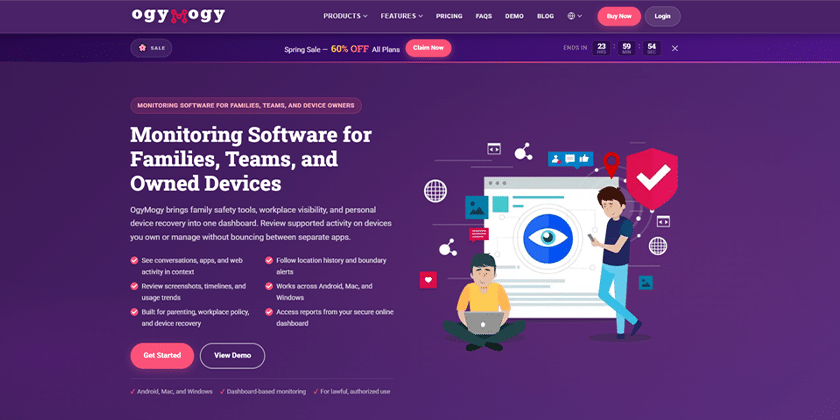
OgyMogy combines Android monitoring with Windows and Mac activity reporting. It is aimed at families or organizations that need device-use records from more than one type of system. Publicly described tools include location information, call and message records on supported devices, browsing and app activity, screenshots, and dashboard-based reports.
Key OgyMogy features
Android location, call, message, browser, and application records where supported.
Windows and Mac activity reporting for managed computers.
Web dashboard for reviewing synchronized records.
Useful when a household needs one provider for phones and computers.
Why it stands out
OgyMogy’s distinguishing point is its mix of mobile and desktop coverage. It may suit a household that wants to understand how a child divides time between a phone and a family computer.
Consider before choosing
Review the current compatibility page rather than assuming every advertised function works on every device. Ask support which permissions are needed and whether a feature requires a particular operating-system version.
3. FlexiSPY — best for advanced activity reporting on supported mobile devices
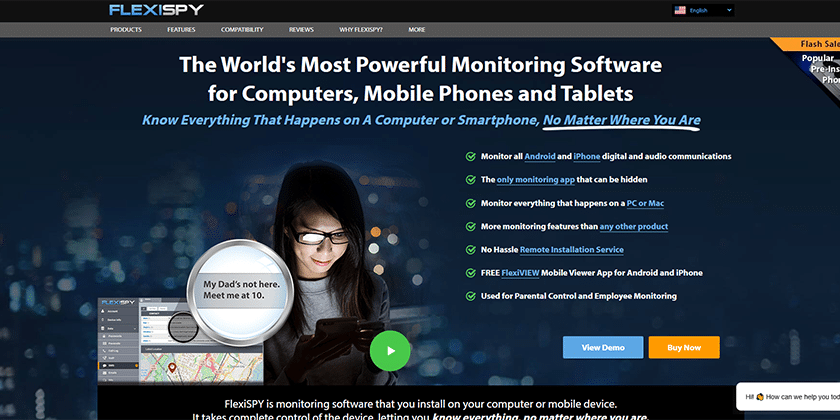
FlexiSPY is an established mobile-monitoring product with a broad set of device-activity records on supported Android and iPhone configurations. Its appeal is depth rather than simplicity: parents considering it should identify the exact records they need and compare those needs against the required plan and installation path.
Key FlexiSPY features
Detailed mobile activity records on supported configurations.
Location, communication, media, and application information depending on platform.
A web account for reviewing collected records.
Multiple plan levels for different monitoring requirements.
Why it stands out
The product is best considered when a parent has a defined, higher-risk use case and needs more detailed records than a conventional screen-time app provides.
Consider before choosing
It can be more expensive and technically demanding than mainstream parental-control services. Verify device compatibility, required access, renewal terms, and the available refund process before paying.
4. mSpy — best for mobile-focused reports in a straightforward web account
mSpy is a widely recognized phone-monitoring brand focused on Android and iPhone activity. Depending on the device and setup method, its published tools cover location, browsing, contacts, communication records, installed applications, and selected social-platform activity.
Key mSpy features
Mobile-first dashboard for common parental monitoring needs.
Location, browser, contact, and app information on supported devices.
Selected communication and social-platform records depending on configuration.
Setup guides for different Android and iPhone paths.
Why it stands out
mSpy is easier to understand than products aimed at highly technical users. It can suit parents who mainly need mobile reports and do not require broad Windows or Mac coverage.
Consider before choosing
Read the platform-specific feature table carefully. Apple’s privacy model limits third-party access, while some Android functions depend on device permissions. Check billing frequency and automatic-renewal terms as well.
5. SecureKin — best for basic family controls with activity and location reports
SecureKin positions itself as a parental-control and phone-monitoring app for pre-teens and teens. Its current product information highlights screen time, browsing history, app activity, screenshots, location, call and message records, app blocking, and web filtering, with free and paid options.
Key SecureKin features
Screen-time and app-activity reports.
Real-time location information on supported devices.
Web filtering and application controls.
Call and message records where the operating system permits access.
Why it stands out
SecureKin can be a sensible starting point for parents who want a mixture of healthy-device-use controls and basic visibility without immediately choosing the most advanced service.
Consider before choosing
Compare the free and paid tiers before installation, and confirm which features work on the child’s specific Android or iPhone version.
6. Hoverwatch — best for android and computer activity records
Hoverwatch offers activity monitoring for Android phones and Windows or Mac computers. Public product pages describe call, message, location, social-app, browser, and screenshot records on supported devices. It can cover several devices from one account, depending on the selected plan.
Key Hoverwatch features
Android call, message, location, and selected social-app records.
Browser and screenshot activity for supported computers.
Multi-device account options.
Dashboard access after installation and permission setup.
Why it stands out
Hoverwatch is more appropriate for parents who prioritize activity records across Android and computers than for families that primarily need strict schedules and app blocking.
Consider before choosing
Families seeking extensive screen-time routines, age-based filtering, or strong iPhone support should compare it carefully with dedicated parental-control platforms.
7. Qustodio — best for cross-platform screen time and content controls
Qustodio is a family-focused parental-control platform built around healthy routines, web and app filtering, activity reports, and location safety. Its official feature list covers a broad range of phones, tablets, computers, Chromebooks, and Kindle devices.
Key Qustodio features
Daily limits, restricted times, custom routines, and internet pause.
Web filtering, app controls, YouTube activity, and usage reports.
Family location, saved places, and arrival or departure notifications.
Calls, messages, and selected social alerts on supported configurations.
Why it stands out
Qustodio is one of the clearest choices for mixed-device households that value rules, routines, and content controls more than deeply detailed device records.
Consider before choosing
Feature depth varies by platform. In particular, iPhone call and message reporting may require a Windows or Mac computer, so check the setup requirements before subscribing.
8. FamiSafe — best for screen-time, location, and driving-safety tools
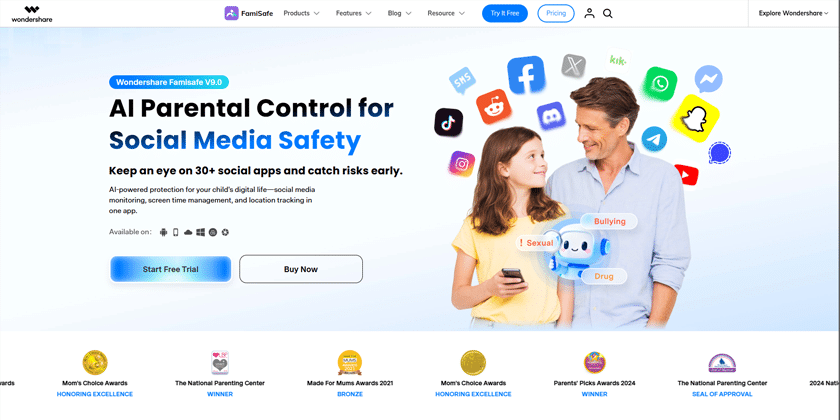
Wondershare FamiSafe combines device-usage controls with location and driving-safety features. Its current product pages highlight screen time, app rules, activity reports, web filtering, browser history, location tracking, driving reports, SOS alerts, YouTube controls, and TikTok history.
Key FamiSafe features
Screen-time schedules and application rules.
Web filtering, browser history, and content-safety alerts.
Location tracking, SOS alerts, and driving reports.
YouTube and TikTok activity tools on supported devices.
Why it stands out
FamiSafe stands out for families with older children who are beginning to travel independently or drive, because it combines digital-use tools with location and road-safety information.
Consider before choosing
Not every content or communication feature is available on every operating system. Confirm the child-device requirements and whether the desired tool is included in the selected tier.
9. Mobicip — best for web filtering, app controls, and family schedules
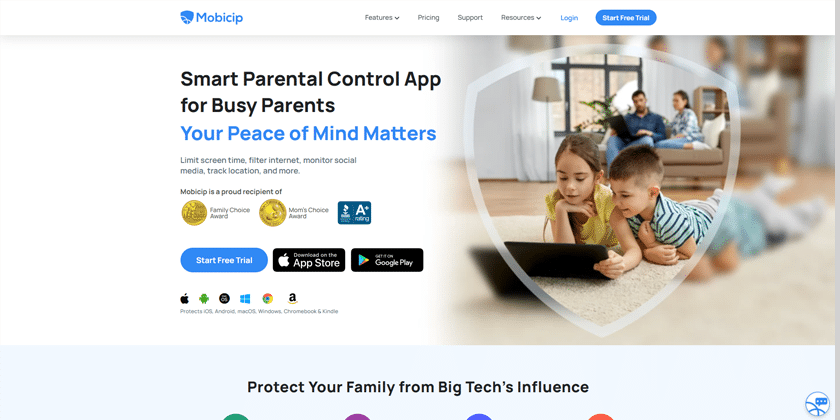
Mobicip is a conventional parental-control app centered on internet filtering, screen-time schedules, application management, and location. It is designed for families that want understandable rules across several children and devices rather than highly detailed communication records.
Key Mobicip features
Age-aware web filtering and website controls.
Screen-time schedules, family time, and app blocking.
Family location and geofence features.
Activity reports across supported phones, tablets, and computers.
Why it stands out
Mobicip is a good fit when the main goals are bedtime routines, homework focus, safer browsing, and consistent app rules across a household.
Consider before choosing
It does not target the same depth of communication reporting as advanced phone-monitoring products. Decide whether your priority is setting boundaries or reviewing detailed activity before choosing.
10. KidLogger — best for budget-conscious desktop and android activity logs
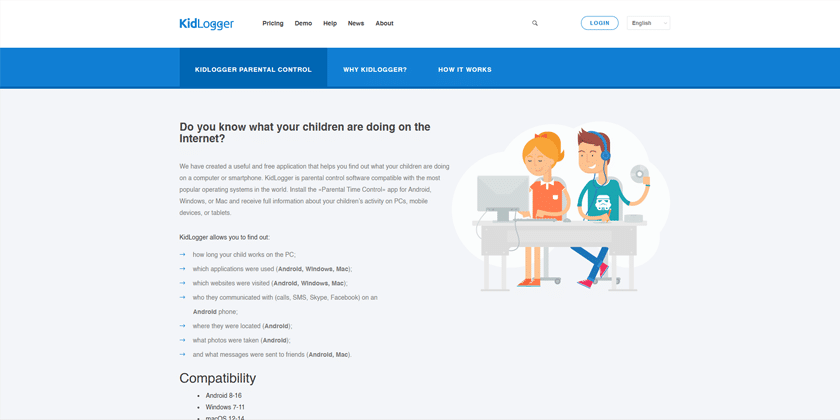
KidLogger is a long-running parental-control and activity-logging service with free and paid plans. Its published features include application and website activity, screen time, calls, messages, location, screenshots, password-protected agents, dashboard analytics, and scheduled email reports, depending on platform and plan.
Key KidLogger features
Free entry plan for a limited number of devices and history retention.
Application and website records on Windows, Android, and Mac.
Calls, messages, location, and game limits on supported Android devices.
Screenshots, analytics, backups, and scheduled reports on higher tiers.
Why it stands out
KidLogger is worth considering when a family wants inexpensive activity reports, particularly for shared computers, and is comfortable with a more technical setup.
Consider before choosing
Parents who want a polished mobile-first experience, easy routines, or extensive content filtering may prefer a mainstream family-control platform.
Which phone monitoring app is best for your family?
There is no universal winner for every household. The best phone monitoring app is the one that solves your family’s specific problem without collecting more information than necessary. TheOneSpy offers broad visibility across phones and computers. Qustodio and Mobicip are strong choices for routines, filtering, and multi-device family controls. FamiSafe adds location and driving-safety tools. Hoverwatch and KidLogger focus more heavily on activity records for Android and computers. mSpy and FlexiSPY are mobile-centered options for parents seeking more detailed reports on supported configurations.
Before buying, write down the three features you actually need, the child’s exact device and operating-system version, and the number of devices in your household. Then confirm those items with the provider. This simple check prevents paying for an impressive feature list that does not match your family’s setup.
Responsible use: Use parental-control or monitoring software only on a device you own or are authorized to manage. Keep family rules age-appropriate and transparent, and follow applicable laws and platform requirements.
Frequently asked questions
What is the best phone monitoring app for parents?
The best option depends on the device and the problem you need to solve. TheOneSpy is suited to broad family-device visibility; Qustodio and Mobicip emphasize screen time and filtering; FamiSafe combines device controls with location and driving tools. Confirm platform-specific features before choosing.
Can I monitor my child’s Android phone from my phone?
Yes. Most parental-control platforms provide a parent dashboard or app that can review activity and adjust supported settings after the child’s Android device has been installed and configured with the required permissions.
Can I manage an iPhone from an Android phone?
Some cross-platform services allow an Android parent device to manage an iPhone through a web dashboard or parent app. However, iPhone controls and activity records are usually more limited than Android because of Apple’s system rules.
Do phone monitoring apps work without access to the child’s device?
Initial access is normally required to install the child app, approve permissions, connect an account, or configure family settings. Be cautious of any service promising complete setup without device access or account authorization.
Are free parental-control apps enough?
Built-in tools such as Google Family Link and Apple Screen Time can be enough for app approval, screen-time limits, and basic content controls. A paid app may be useful when a family needs one cross-platform dashboard, additional reports, location alerts, or broader support.
Should parents tell children that monitoring tools are installed?
Yes. Transparent, age-appropriate oversight is more likely to support trust and constructive conversations. Explain what the tool can see, why it is being used, and how greater responsibility can lead to lighter supervision over time.
Final takeaway
A phone monitoring app should help parents notice risks, guide healthier habits, and start better conversations. It should not replace parenting or become a reason to collect every possible detail. Choose the smallest set of tools that fits the child’s age and circumstances, verify compatibility before paying, and review the arrangement together as your child grows.
Ready to compare supported devices and plans? Review the TheOneSpy pricing and device options or read the approved installation guide before choosing.
Transparent monitoring for Android, iPhone, Windows and Mac — app activity, screen time, location and alerts in one dashboard. Set up in under 10 minutes, with your child's knowledge.
Albertson focuses on online safety, cyberbullying prevention, social media awareness, and digital wellness. He helps parents build healthier technology habits and navigate the challenges of raising children in today’s connected world.